
- Home
- /
- Customer Journey
- /
- Follow Up
Stage 3 of 7 · Follow Up
Never Let a Lead Go Cold
Getting leads, but nobody follows up fast or often enough?
Reply in minutes and keep following up until you get an answer, so hot leads never go cold.
Sound familiar?
- ! Leads wait hours or days for a first reply
- ! Follow-up depends on someone remembering
- ! Leads get one message, then silence
- ! Your team does not know which lead to call first
Make sure no opportunity disappears because nobody followed up.
What we fix at this stage
Smart systems, automation, and AI do the heavy lifting. We build on the tools that fit your business best.
Recommended tools for Follow Up
The tools we use to build this stage, and the job each one does.
-
Zoho Bigin
Pipelines, reminders, and follow-up tasks so no lead waits.
Read the honest review →
-
Brevo
Automatic email and SMS follow-up sequences that run until the lead replies.
Read the honest review →
-
Make
Instant alerts to WhatsApp, email, or Slack when a hot lead needs a reply.
Read the honest review →
-
Centripe
Automatic follow-up and AI agents that reply to new leads so none of them wait.
Read the honest review →
Free Systems
Build it yourself, step by step
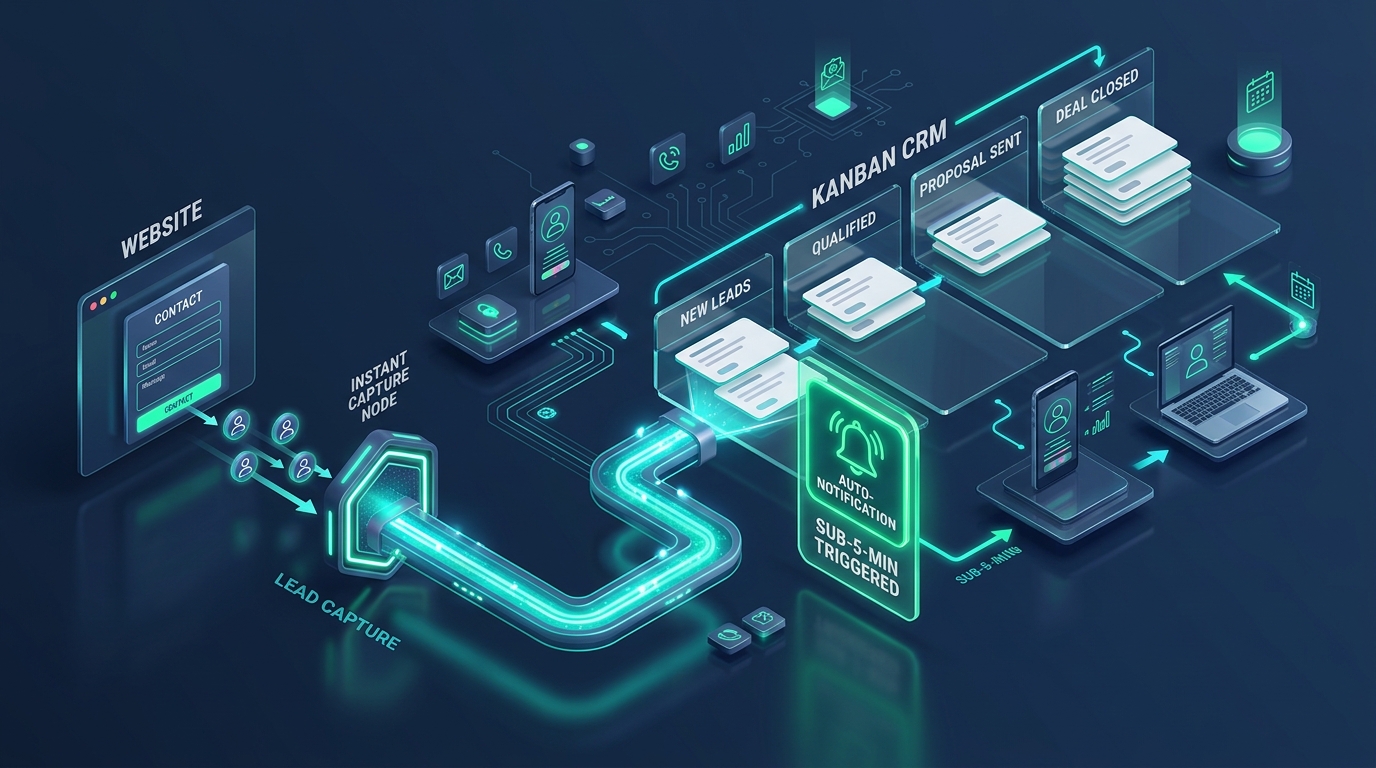
Never Lose a Lead: The Speed-to-Lead System
Reply to every new lead in minutes, so no enquiry goes cold while you are busy.
See the free system →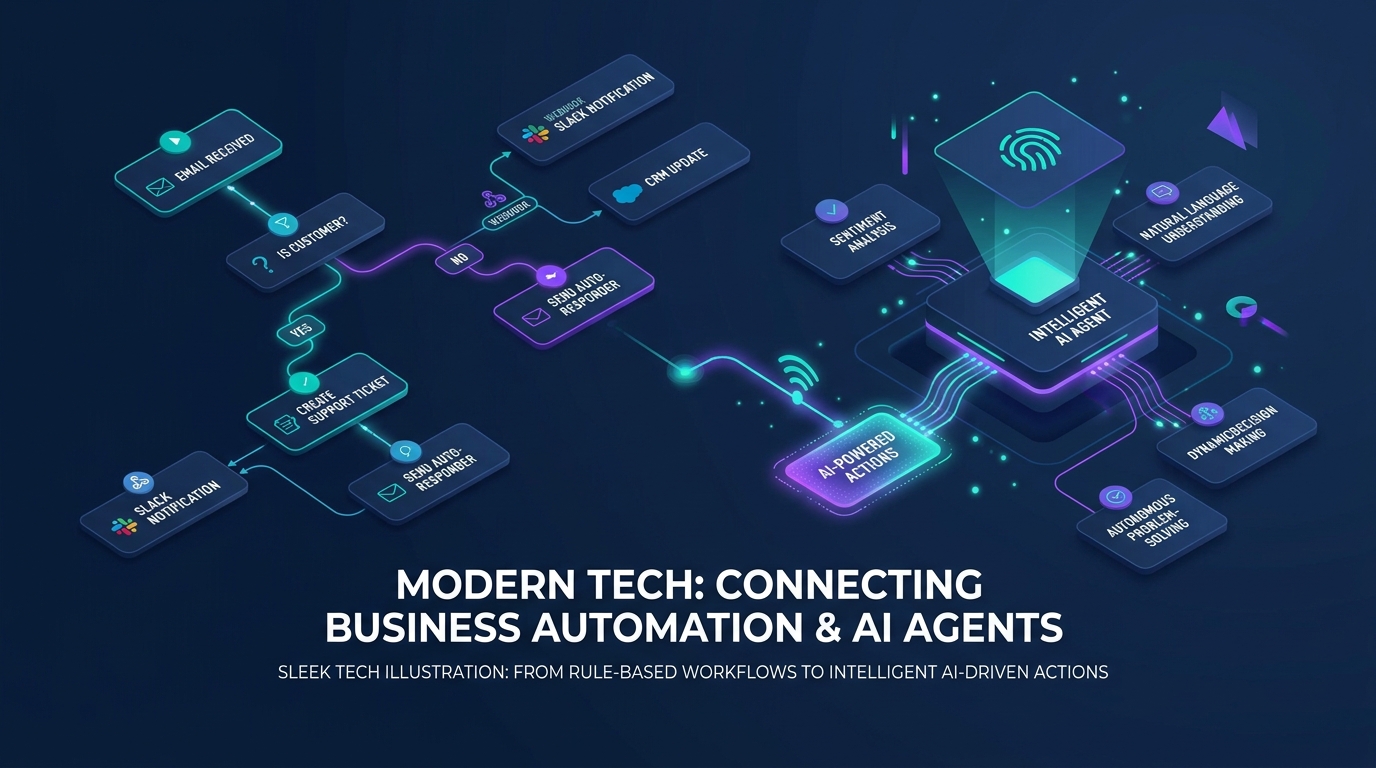
The Aheri Sales System: From Enquiry to Sale
One clear path from the first enquiry to a yes or a no. Every lead has an owner and a next step, follow-ups happen on time, and you can see where sales slip away.
See the free system →Guides
Understand the problem, then fix it
How to Reply to Every Inbound Lead in Under 5 Minutes with Zoho Bigin Free
When an interested prospect reaches out, waiting hours to respond gives them plenty of time to contact competitors. With Zoho Bigin Free, you can set up an automated lead capture and sub-5-minute response system on a zero-dollar software budget. Here is how to configure your pipeline, web form, and 3 free automation rules in one afternoon.
Read the guide →How to Set Up Instant WhatsApp Replies for New Inbound Leads in Zoho Bigin
In many service markets, prospects check WhatsApp far more frequently than email. When an inquiry lands on your website or WhatsApp Business line, sending an immediate confirmation through WhatsApp can more than double your conversation rate. Here is how to configure WhatsApp messaging and instant appointment booking in Zoho Bigin Express.
Read the guide →How to Use AI to Draft Personalized First Responses in Zoho Bigin
Generic auto-responders confirm that a form was received, but they rarely build deep trust. On the other hand, spending 15 minutes researching every inquiry and typing custom emails by hand creates severe response delays. By combining Zoho Bigin with AI assistance (Zia or Claude via API/MCP), you can synthesize complex inquiry notes, score buying intent, and produce tailored personal reply drafts in seconds.
Read the guide →Why You Are Losing Clients to Competitors Who Are Slower, Worse, and More Expensive Than You
You are a better service provider than most of your competitors, your prices are fair, and your clients love you once they hire you, but you keep losing deals to people you know are worse. The reason is not your quality, your portfolio, or your pitch. The reason is that someone else responded to that lead before you did, and by the time your reply landed, the client had already made up their mind.
Read the guide →Implementation Support
Need help getting your Follow Up system running?
Every system here is built to be set up without a consultant. If you want a hand, we help you put the Follow Up system in place and walk your team through running it.
Next stage in the journey:
Nurture: Stay Top of Mind Until They Are Ready →